Watch a project metric once an hour and receive a signed webhook when it is above a threshold.
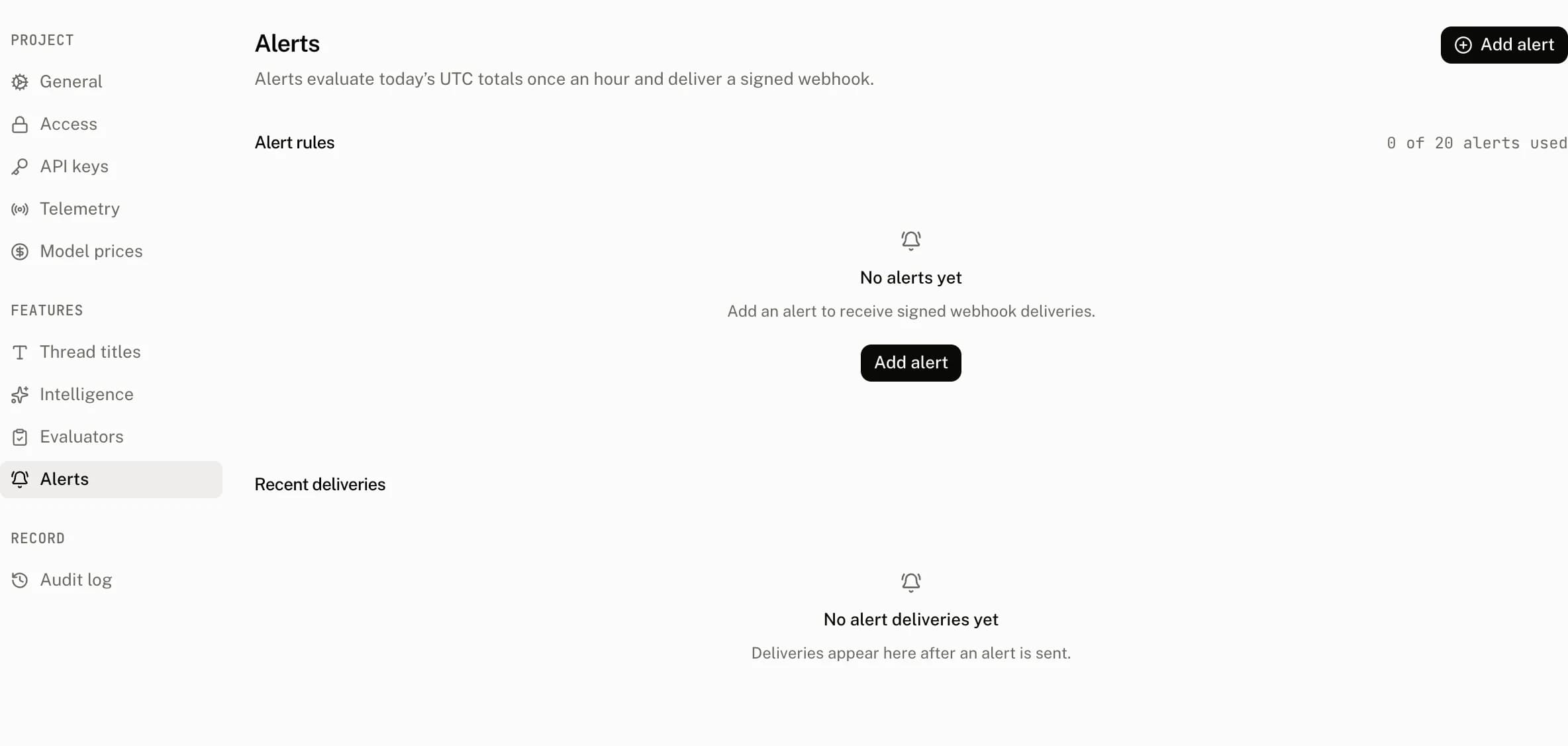
An alert rule watches one project metric and posts a signed JSON payload to a webhook when the metric is above its threshold. Settings › Alerts holds the rules, their delivery history and the last error for a failed delivery. Owners and admins manage every alert rule operation.
Metrics and evaluation
Once an hour, the cloud calculates each project's totals for the current UTC day and evaluates every enabled rule. A rule triggers only when its value is strictly greater than the threshold. It does not trigger when the value equals the threshold.
| Metric | Meaning | Unit | When it is silent |
|---|---|---|---|
daily_cost_usd | The sum of today's run cost. | USD | Never; a zero total cannot exceed the threshold. |
daily_error_rate | Today's error runs divided by today's runs. | % | The day has no runs. |
daily_incomplete_rate | Today's incomplete runs divided by today's runs. | % | The day has no runs. |
daily_runs | The sum of today's runs. | runs | Never; a zero total cannot exceed the threshold. |
period_active_users | Active users in the current UTC calendar month. | users | Never; a zero total cannot exceed the threshold. |
daily_cost_usd_change | Today's cost compared with the mean of the preceding 7 days. | % rise | Fewer than 3 days of history exist, or the baseline is zero. |
daily_incomplete_rate_change | Today's incomplete rate compared with the preceding 7 days. | % rise | Fewer than 3 days of history exist, either rate is unavailable, or the baseline is zero. |
daily_runs_change | Today's runs compared with the mean of the preceding 7 days. | % rise | Fewer than 3 days of history exist, or the baseline is zero. |
A successful delivery writes a delivery event, records when the rule last triggered and clears the rule's last error. The cooldown is counted from that successful delivery. A failed delivery writes a failed event and updates the last error, but does not begin the cooldown.
Configure a rule
| Control | Default | Accepts | Effect and validation |
|---|---|---|---|
| Name | A trimmed name from 1 to 64 characters. | Names the rule and must be unique in the project. An empty name reads Enter a name. | |
| Metric | Daily cost | One of the metrics above. | Chooses the figure and unit the threshold uses. |
| Threshold, Threshold (%) or Threshold (% rise) | A finite value of 0 or more. | A blank value reads Enter a threshold. A value that is not finite or is below 0 reads Enter a value of 0 or more. Daily error rate and daily incomplete rate also accept at most 100 with up to 2 decimal places, or read Enter a percentage from 0 to 100 with up to two decimals. | |
| Cooldown minutes | 1,440 minutes | Whole minutes from 5 to 10,080. | Waits this long after a successful delivery. A value outside the range reads Enter whole minutes from 5 to 10,080. |
| Webhook URL | A trimmed URL from 1 to 2,048 characters, using public HTTPS. | Receives a signed JSON POST. An empty value reads Enter a webhook URL. | |
| Enabled | On | On or off. | Off retains the rule, its secret and its history, but stops evaluation and delivery. |
The two rate metrics, daily_error_rate and daily_incomplete_rate, are stored as fractions. The form divides their displayed percentage by 100 when it saves and multiplies it by 100 when it reads it. Every other threshold is stored exactly as typed.
Create records alert_rule.create and returns the webhook signing secret once, and the secret dialog says Copy this secret now. It will not be shown again. Edit changes a rule and records alert_rule.update. Enable and disable are edits that change enabled and also record alert_rule.update. Rotate secret returns a new secret once and records alert_rule.rotate_secret. Delete removes the rule and its delivery events and records alert_rule.delete. Send test delivers immediately, records a test delivery event, and records alert_rule.test with the delivery status and response code.
Rule allowance
| Plan | Alert rules |
|---|---|
| Free | 1 |
| Pro | 20 |
| Startup | 20 |
| Enterprise | 100 |
The server counts existing rules when it creates one and enforces the plan's allowance. A project at its limit receives The {Plan} plan allows {maxRules} alert rules instead of a new rule.
Webhook delivery
The cloud sends POST requests with content-type: application/json and x-aui-signature. The signature header has the form t=<unix seconds>,v1=<hex>. Its hex value is an HMAC SHA-256 over <t>.<body> with the rule's plaintext secret, where body is the exact request body. Verify the raw body before parsing it.
{
  "type": "alert.triggered",
  "project_id": "proj_…",
  "rule": { "id": "alert_…", "name": "Daily spend", "metric": "daily_cost_usd", "threshold": "25.000000" },
  "value": 31.2,
  "day": "2026-09-13",
  "occurred_at": "2026-09-13T17:00:00.000Z"
}{
"type": "alert.test",
"project_id": "proj_…",
"rule": { "id": "alert_…", "name": "Daily spend", "metric": "daily_cost_usd", "threshold": 0 },
"occurred_at": "2026-09-13T17:00:00.000Z"
}The triggered payload's rule.threshold is a numeric string. The test payload's rule.threshold is a number.
The request has a 10 second timeout. Redirects are not followed, a target that resolves to a private address is refused, and any response in the 2xx range is a successful delivery.
import { createHmac, timingSafeEqual } from "node:crypto";

const TOLERANCE_SECONDS = 300;

export function verify(secret: string, signature: string, body: string) {
  const parts = Object.fromEntries(
    signature.split(",").map((part) => part.split("=")),
  );
  const timestamp = Number(parts.t);
  const digest = parts.v1 ?? "";
  if (!Number.isInteger(timestamp)) return false;
  if (Math.abs(Date.now() / 1000 - timestamp) > TOLERANCE_SECONDS) return false;
  if (!/^[0-9a-f]{64}$/.test(digest)) return false;
  const expected = createHmac("sha256", secret)
    .update(`${parts.t}.${body}`)
    .digest("hex");
  return timingSafeEqual(Buffer.from(expected), Buffer.from(digest));
}
Recent deliveries
Recent deliveries shows the latest 50 triggered or test deliveries across the project. Each row has the relative time, rule, a Test badge when applicable, delivery status and the response code, or None when there was no response. The Alert rules table also shows the rule's channel host, cooldown, enabled state and actions. A failed delivery remains on the rule as its last error until a later successful delivery clears it.
Troubleshooting
| What you see | Why | What to do |
|---|---|---|
| The rule did not deliver at the threshold. | Rules trigger only above the threshold. | Set a lower threshold if the current value should trigger it. |
| A rate rule is quiet. | The UTC day has no runs. | Wait until the project has runs that day. |
| A change rule is quiet. | It needs at least 3 days of history and a nonzero baseline. | Wait for sufficient history, then review the baseline metric. |
| The rule did not deliver again. | Its most recent successful delivery is still inside the cooldown. | Wait for the configured cooldown to elapse. |
| Send test or a triggered delivery failed. | The receiver timed out, returned a non 2xx response, redirected, or resolved to a private address. | Read the rule's last error and Recent deliveries, then use a public HTTPS endpoint that accepts the request within 10 seconds. |
| Signature verification fails. | The receiver did not use the raw body, the timestamp, or the current secret. | Verify t.<raw body> with the current secret. Rotate the secret if it was lost. |