Define model judges that write structured verdicts for sampled conversations.
An evaluator is a model judge that scores conversations against a rule you define. Each verdict is stored as a score with the source evaluator, so it stays distinct from end user, human, and API scores.
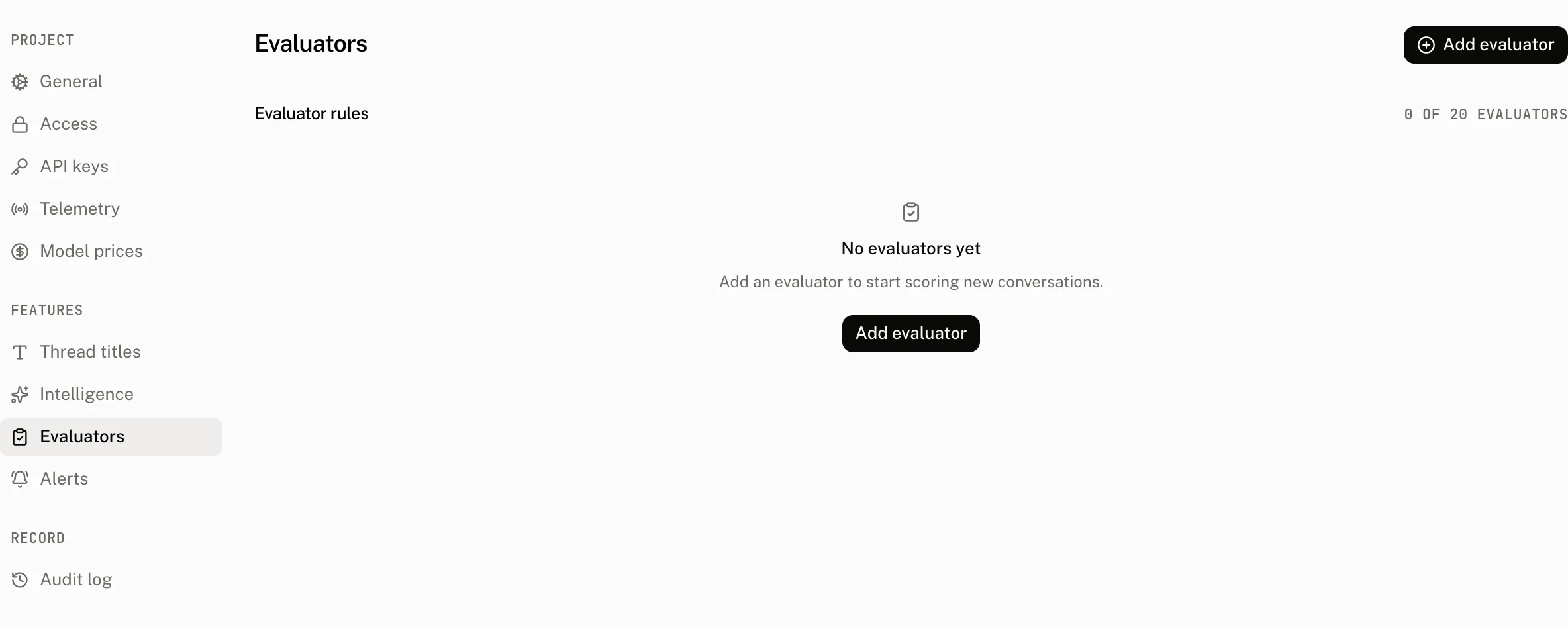
Rules are configured in Settings › Evaluators. An enabled rule can use a provider and model you choose, and its sampling rate determines the share of new conversations that the worker evaluates.
Configure evaluator rules
| Field | Default | Accepts | Refusal or effect |
|---|---|---|---|
| Name | None | Trimmed text from 1 to 64 characters. Letters, numbers, periods, underscores, and hyphens only. | Invalid characters show Use letters, numbers, periods, underscores, or hyphens. A name cannot change after the rule has verdicts. |
| Description | Empty | Optional trimmed text. | Free text shown with the rule. |
| Prompt | None | Trimmed text from 1 to 4,000 characters. | The question or criterion the model judge applies. |
| Data type | None | numeric, categorical, or boolean. | Sets the shape of the verdict. Categories are stored only for categorical. |
| Categories | Empty | For a categorical rule, 1 to 10 distinct trimmed labels. | A categorical evaluator without a category is refused with Categorical evaluators need at least one category. Duplicate labels are refused with Categories must be distinct. |
| Sampling rate | 100% | A number from 0.01 to 1. | Selects the share of new conversations that the rule judges. 0.01 is 1% and 1 is 100%. |
| Enabled | On | On or off. | Controls whether the rule participates in worker evaluation. |
| Provider | Empty | Optional provider id from 1 to 48 characters. | Must be paired with a model. A provider without a model is refused with Enter a model for the selected provider. |
| Model ID | Empty | Optional model id from 1 to 255 characters, typed or picked from the provider's Models list, which is all the field suggests. | Must be paired with a provider. A model without a provider is refused with Select a provider for the evaluation model. |
Each project can have at most 20 evaluator rules. Creating another rule is refused with A project can have at most 20 evaluators.
Manage verdicts
A rule name becomes fixed once it has verdicts. Renaming it is refused with An evaluator name cannot change after verdicts exist, which preserves the meaning of the score name already written to conversations.
Deleting a rule deletes the scores it authored with source: "evaluator" in the same transaction, then removes the rule. This removes its verdict history rather than leaving scores that no longer have a rule.
Evaluator verdicts in Intelligence summarizes verdicts from the last 28 days. Its summaries are grouped by the rule's data type:
| Data type | Summary |
|---|---|
| Boolean | true_count and false_count |
| Numeric | Count, average, minimum, and maximum |
| Categorical | Count and up to 10 label totals |
Where verdicts appear
Verdicts appear in the Evaluator verdicts section of Intelligence, in the score views on a run and a thread, and in the project read API. The list_scores MCP tool accepts source: "evaluator" to return only evaluator verdicts. It also accepts filters for thread, run, and score name, and returns scores with a cursor.
Evaluators are available on Pro, Startup, and Enterprise plans. A project without the feature cannot read or write evaluator rules.
Troubleshooting
| What you see | Why | What to do |
|---|---|---|
| The evaluator cannot be renamed | The rule already has verdicts. | Keep its existing name, or create a new rule when you need a different score name. |
| A categorical rule will not save | It has no category, or two categories are the same after trimming. | Add 1 to 10 distinct category labels. |
| A provider or model field is refused | Provider and model must be selected together. | Select both fields, or leave both empty. |
| A new rule is refused | The project already has 20 evaluator rules. | Delete an unused rule, understanding that its evaluator verdicts are deleted with it. |
| The summary is lower than expected | Evaluator verdicts counts verdicts from the last 28 days, and the sampling rate selects only part of new conversations. | Check the rule's sampling rate and use the Intelligence, thread, or run score views to inspect the matching verdicts. |